

A bundle sold as “Samsung compatible” can disappoint when its promised charging mode depends on a different phone, cable or port. Choose an Anker charger for Samsung by checking the exact Galaxy model, the charger's USB-C PPS specification, the cable and the ports used together. Headline wattage alone cannot approve the bundle.
This guide is for retailers preparing a wired-charging purchase line. It provides a copyable approval sheet and an A2148 documentation example; it supplies no charging test results or stock confirmation.
A USB-C cable is seated in a dark phone resting on a worn workbench with its screen off.
Record the phone and required mode first#
Start with the complete phone name and regional model code. “Galaxy S25,” “S25+” and “S25 Ultra” need separate entries. Check that model's wired-charging documentation before choosing the accessory. Samsung's UK device compatibility table separates support by device and charging mode.
| Input or item | Value or source | Why it matters |
|---|---|---|
| Phone | Exact Galaxy name, model code and market | Avoid transferring a sibling model’s charging support |
| Required wired mode | Phone manufacturer documentation | A mode name is a requirement, not a measured wattage |
| Charger and port | Exact Anker model; USB-C1 or USB-C2 | PPS must be checked for the intended output |
| Cable | Model, length, connector ends and current rating | USB-C shape does not document current capability |
| Other occupied ports | Each connected device and port | Single-port evidence does not approve shared use |
| Market and quantity | Plug version, packaging language, units per line | Keeps the quoted variant identifiable |
Keep the distinction between charging at all and reaching the required mode. Samsung's September 2026 Singapore guidance says to check USB Power Delivery PPS support as well as maximum output. An unspecified “PD charger” leaves the PPS question unanswered.
Match cable current to the documented setup#
For a concrete older-generation example, Anker's 313 Charger support page specifies a 5A e-marked USB-C to USB-C cable for Super Fast Charging 2.0 on Galaxy S23+ and S23 Ultra. It lists a PPS range of 3.3–11V at 5A among the charger's profiles, with a 45W maximum. That is a documented combination, not a rule that every Anker charger with a 45W label has the same profile.
Do not apply a universal 5A rule to every newer Galaxy setup. Samsung's Singapore page, updated 23 September 2026, states that S25 and later models can use their included 3A cable for SFC 2.0 in the listed Samsung-adapter configurations. Its broader US troubleshooting page instead advises 5A for 45–60W charging. The sources have different scope; neither approves every Anker-and-Galaxy pairing.
For an Anker charger for Samsung S25 Ultra inquiry, record the proposed charger profile and cable explicitly. Keep compatibility open until documentation covers that combination. For another model, follow its own instructions. A newer model's exception does not change an older model's documented cable requirement.
Two USB-C cable ends lie on a worn work mat, with one connector in the foreground.
Connector appearance cannot establish current rating. Keep the cable's exact reference and published rating with the quote. The 100W USB-C cable guide explains why charging, data and video capabilities need separate checks if the retail bundle promises those functions.
Read A2148 as an evidence example#
The Anker 737 GaNPrime 120W, A2148 illustrates the gap between a total-output figure and a phone-specific approval. Anker's model support specification lists the following:
| Field | Published evidence | What remains open |
|---|---|---|
| Ports | 3: USB-C1, USB-C2 and USB-A | Record which port serves the phone |
| Total output | 120W maximum | Not a Samsung phone’s charging rate |
| USB-C1 or USB-C2 alone | Up to 100W; fixed outputs include 20V / 5A | Fixed-output current does not fill the PPS profile field |
| USB-C2 plus USB-A | 24W maximum combined | Do not approve a 45W phone requirement for this pairing |
| Charging technology | PPS is listed | Exact PPS voltage/current range: Unknown / verify on the unit |
| Galaxy model and required mode | Buyer input | No phone-specific result established by this table |
The 20V / 5A fixed-output entry is not evidence of a 5A PPS profile at the voltage a phone requests. Keep those fields separate. The support page's PPS entry does not publish the precise range needed to close this approval.
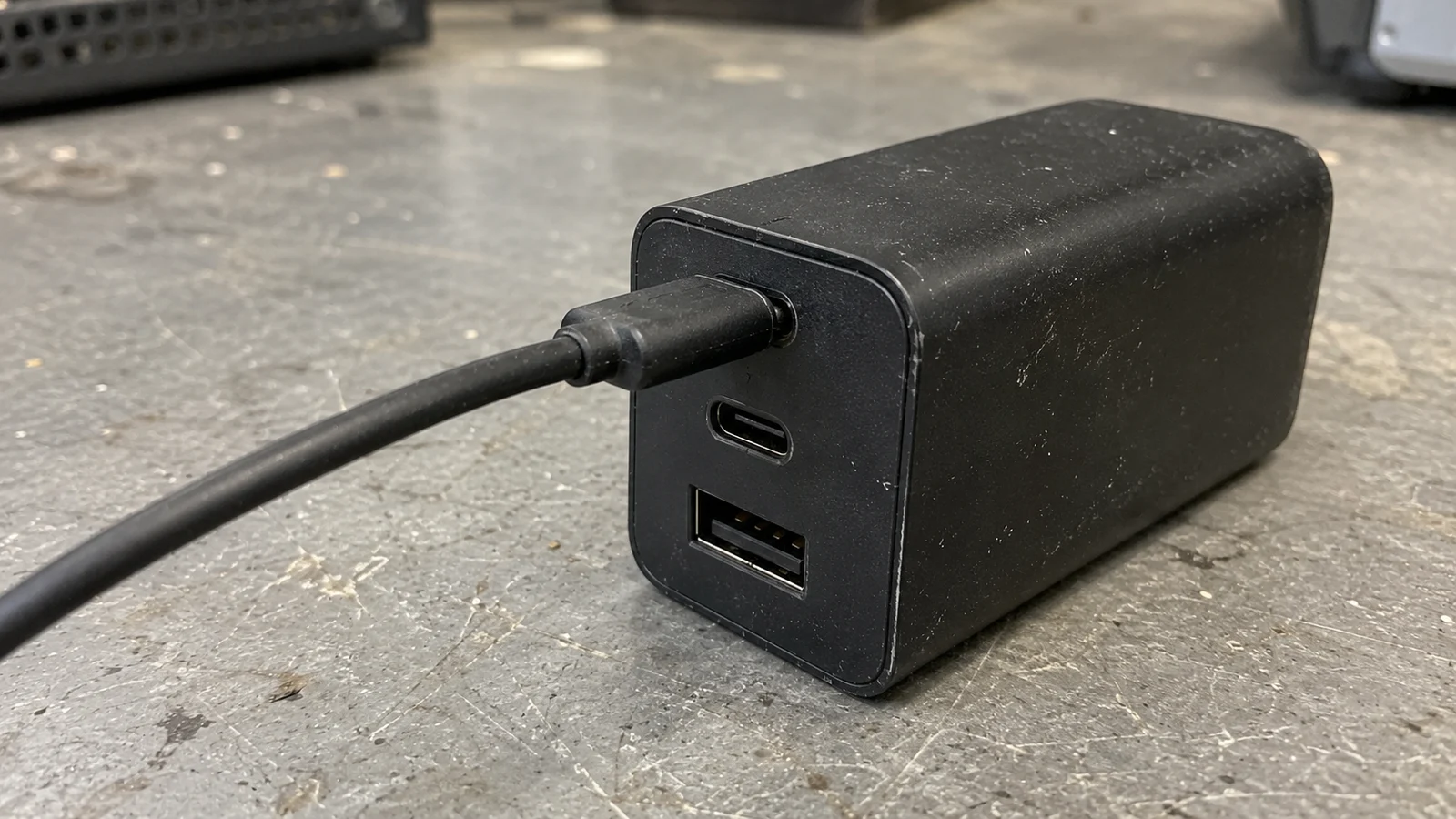
A cable occupies the upper USB-C socket of a dark charger; two other sockets are empty.
Anker's charging-mode support explanation warns that simultaneous ports can reduce available USB-C power and affect the displayed mode. For a shared-use bundle, seek evidence for the actual port combination. Family names such as Nano or GaNPrime do not replace an exact model reference.
Investigate a missing charging message in order#
A disappearing message and a slow-charging complaint are different observations. Anker's 313 FAQ says charging-mode prompts can disappear after a few seconds on Android 13; it directs users to Battery settings. A momentary message is not a continuous power measurement.
- Record the setup. Photograph or transcribe the phone model, charger reference, cable reference and occupied ports. Note whether the issue occurs alone or only with other devices connected.
- Check settings and connection. Follow Samsung's US troubleshooting instructions for the Fast charging setting and secure cable seating. Menu names vary with software and model.
- Check accessory condition and temperature. Samsung identifies damaged or incompatible accessories and high temperature as possible causes. Follow its instructions for moisture warnings or damaged equipment rather than continuing a charging trial.
- Recheck the evidence. Compare the phone requirement with the port's PPS specification and cable rating. If a required field is absent, leave the line unapproved.
- Record any agreed sample check separately. Specify the phone/software, starting battery level, cable and shared load. A claimed charging mode, observed power and elapsed charging time are different results. This article supplies none of them.
For a persistent device issue, Samsung's US page describes Samsung Members cable diagnostics and its support route. Purchasing documentation cannot diagnose a hardware fault.
Copy the bundle approval sheet#
Use one row set per phone, charger variant and cable. Blank fields stay open; a higher headline wattage does not resolve them.
| Field | Required / proposed value | Evidence or decision |
|---|---|---|
| Phone name, model code, market | Phone manufacturer URL/document and region | |
| Required wired mode | Confirm this exact phone supports it | |
| Anker model and plug variant | Match the unit, package and proposed quote | |
| USB-C port and PPS voltage/current range | Keep fixed PDO entries separate from PPS | |
| Cable model, length and current rating | Record any model-specific cable condition | |
| Other devices and occupied ports | Check the documented shared-use configuration | |
| Packaging language and quantity | One identifiable purchasing line | |
| Source date / document revision | Save the relevant section, not only a marketing title | |
| Open items and substitution permission | List what still needs evidence; approve changes explicitly | |
| Decision | Approved for documented setup / open pending evidence |
Use the charger sourcing hub for the relevant product family and the wholesale charger checklist for the wider quote format. This approval sheet adds the phone-and-protocol evidence to that purchasing record.
What to send us#
| Item | Why we need it | Example format |
|---|---|---|
| Phone and required mode | Defines the compatibility question | Galaxy model/code ___; market ___; mode ___ |
| Charger, port and cable | Identifies the proposed bundle | Anker model ___; plug ___; port ___; PPS source ___; cable/model/length/current ___ |
| Shared use | Makes concurrent loads explicit | Other device ___; occupied port ___ |
| Packaging and quantity | Defines the purchasing variant | Packaging language ___; units ___ |
| Evidence gaps and substitutions | Keeps unresolved changes visible | Missing document ___; permitted substitutions ___ |
Send these fields for an availability and quotation inquiry, identifying the compatibility documents still needed.
Methods and sources#
Updated October 2026. Compiled from the linked public Samsung and Anker documentation retrieved on 16 October 2026. The Samsung UK device table is dated 28 May 2025; the Singapore guidance is updated 23 September 2026. Regional and model conditions are retained where the guidance differs.
The A2148 support specification establishes the listed output limits and PPS presence; the Anker 313 FAQ supports only its stated model/cable example. Neither is an inspection of an offered lot. No charger, phone or cable was tested for this article. Exact A2148 PPS ranges, offered regional versions, current availability and sample acceptance remain open until documented for the proposed line.

