
An Anker power bank can charge a laptop only when three things line up: the laptop accepts USB-C Power Delivery at the voltage and wattage it asks for, one port on the power bank offers that step, and the cable carries it. The headline total does not settle any of the three. On Anker's UK page for the Prime Power Bank (26K, 300W), model A110A, retrieved 11 October 2026, the 300W figure is shared across three devices, while one USB-C port lists 140W Max. The laptop's own input figure has to come from the laptop maker, so that cell starts blank below.
This page is for a distributor, retailer or company buyer who has been given a laptop model and must decide whether a power bank line can be sold or issued with it. It gives a four-step check and a worksheet you can copy. A110A is the worked example because this site publishes its model page. The figures are compiled from public manufacturer and USB-IF pages. No unit was tested for this page.
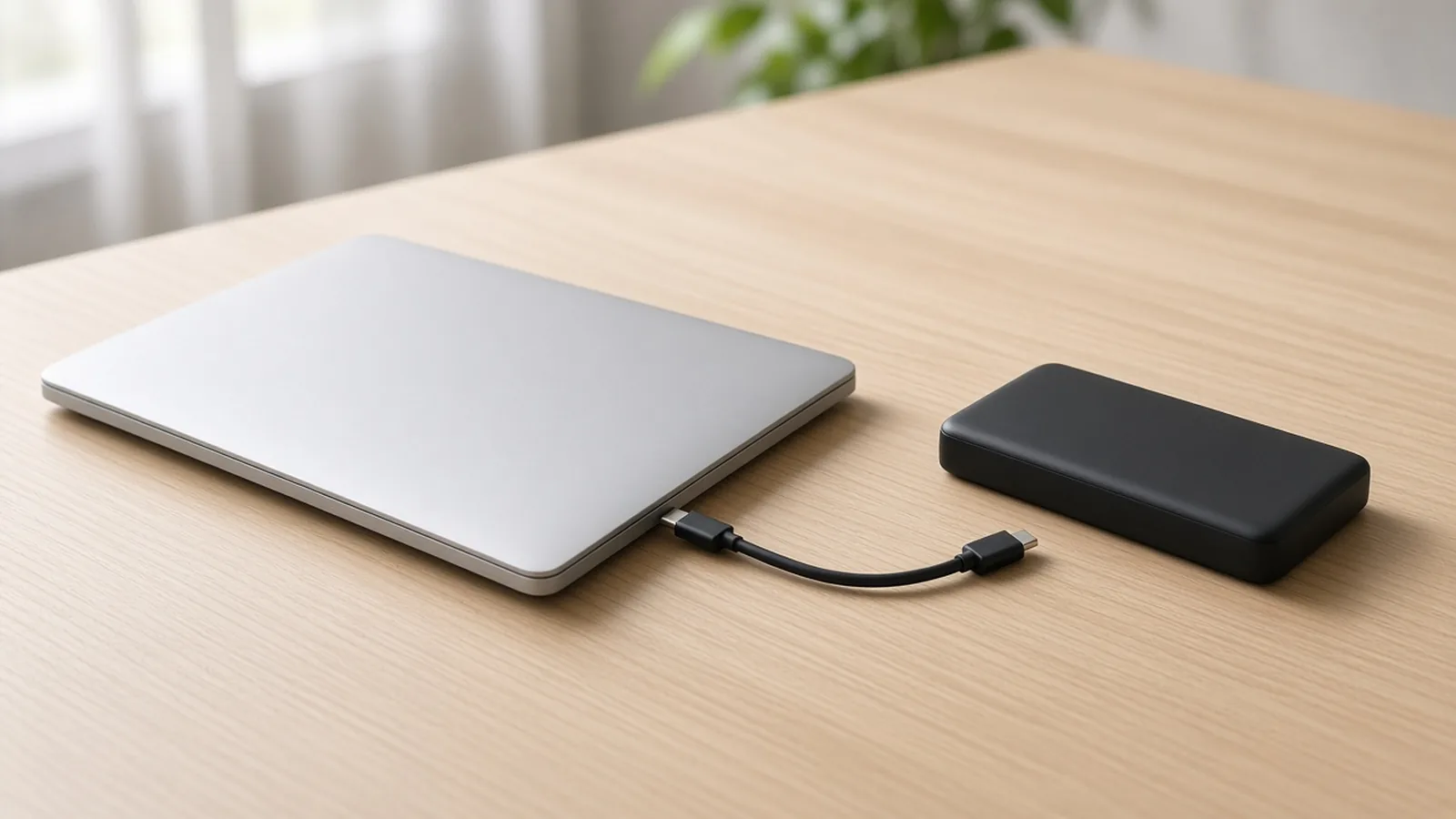
A silver laptop and a black power bank sit on a wood desk, with one black cable between them.
What do you need before approving a power bank for a laptop?#
You need four inputs. The power bank page supplies only the second one.
| Input or item | Typical value or source | Why it matters |
|---|---|---|
| Laptop USB-C charging input | Laptop maker's specification or manual for the exact model | Sets the wattage and voltage step the power bank port must offer |
| Power bank single-port USB-C output | A110A: 140W Max; steps up to 20V⎓5A and 28V⎓5A | Only one port feeds the laptop, so the per-port figure is the one to compare |
| Power bank total output | A110A: 300W Max across three devices | Shared budget; it is not what any one port delivers |
| Cable rating | The cable's own specification | A cable rated below the negotiated step limits what reaches the laptop |
| Other devices charging at the same time | Buyer use case | A110A does not publish how the 300W splits between ports |
| Charging the power bank while it powers the laptop | A110A FAQ: input below about 30W may not meet a laptop’s needs; Anker recommends a charger of at least 100W | Decides whether pass-through use belongs in the offer |
Step 1 — What USB-C input does the laptop ask for?#
Start with the laptop, not the power bank. Find the exact model's USB-C charging input in the laptop maker's specification or manual and write down the wattage and, where it is stated, the voltage.
The number tells you which USB PD tier you are in. USB-IF, the body that publishes the USB Power Delivery specification, says that before PD Revision 3.1 USB PD stopped at 100W, using 20V with USB Type-C cables rated at 5A. PD 3.1, announced in 2021, added 28V, 36V and 48V fixed voltages for 140W, 180W and 240W.
- If the laptop asks for 100W or less, the 20V step is the one to look for on the power bank port.
- If the laptop asks for more than 100W, it needs a PD 3.1 step such as 28V. The laptop, the power bank port and the cable all have to support it.
- If the manual gives no USB-C input figure, leave the cell blank. Do not approve the line from the laptop's brand name or a power bank's compatibility list.
Anker's UK A110A page has a compatibility section that names laptop families. Our reading is that a family list does not cover every model or configuration in that family, so it does not replace the laptop's own input figure.
Step 2 — Can one port on the power bank meet that request?#
Compare the laptop's input with one port, not with the total. For A110A, Anker's UK page lists these output steps:
| Port | Listed steps | Max as listed |
|---|---|---|
| USB-C output | 5V⎓3A / 9V⎓3A / 12V⎓3A / 15V⎓3A / 20V⎓5A / 28V⎓5A | 140W Max |
| USB-A output | 5V⎓3A / 9V⎓2A / 10V⎓2.25A / 12V⎓1.5A | 22.5W Max |
| Total output | Three devices at once | 300W Max |
| USB-C input | 5V⎓3A / 9V⎓3A / 12V⎓3A / 15V⎓3A / 20V⎓5A / 28V⎓5A | 140W Max |
| USB-C input, Anker Protocol | 28V⎓5.36A | 150W Max |
This site's A110A model page lists the ports as 2 × USB-C and 1 × USB-A.
Three points follow from the table:
- The laptop belongs on a USB-C port. The USB-A port lists 22.5W Max.
- A110A lists both a 20V⎓5A step and a 28V⎓5A step on USB-C output. Whether a given laptop draws either one depends on the laptop, which is why Step 1 comes first.
- The 150W figure is an input figure under Anker's own protocol, for recharging the power bank. It is not a laptop output figure. Anker's page also says the power bank reaches 150W max input when paired with the Anker Prime Charging Base.
For a power bank other than A110A, fill the same rows from that model's manufacturer page. If the page shows only a total, the single-port cell stays blank.
Step 3 — Is the cable rated for the same step?#
The cable has to carry the step the laptop and the port agree on. USB-IF says 100W at 20V uses USB Type-C cables rated at 5A, and that the USB Type-C specification Release 2.1 defines the cable requirements for 240W.
Anker's A110A page names a cable only for input: it says 140W input needs a compatible 140W charger and a 5A cable. It does not say which cable rating the 140W output step needs. Our reading of the USB-IF page is that a laptop drawing more than 100W at 28V needs a cable rated for PD 3.1 power, so confirm the rating on the cable's own specification before relying on that step.
Record whether a cable ships in the power bank box from the quotation, not from a product photo. The cached A110A pages used here do not list box contents.
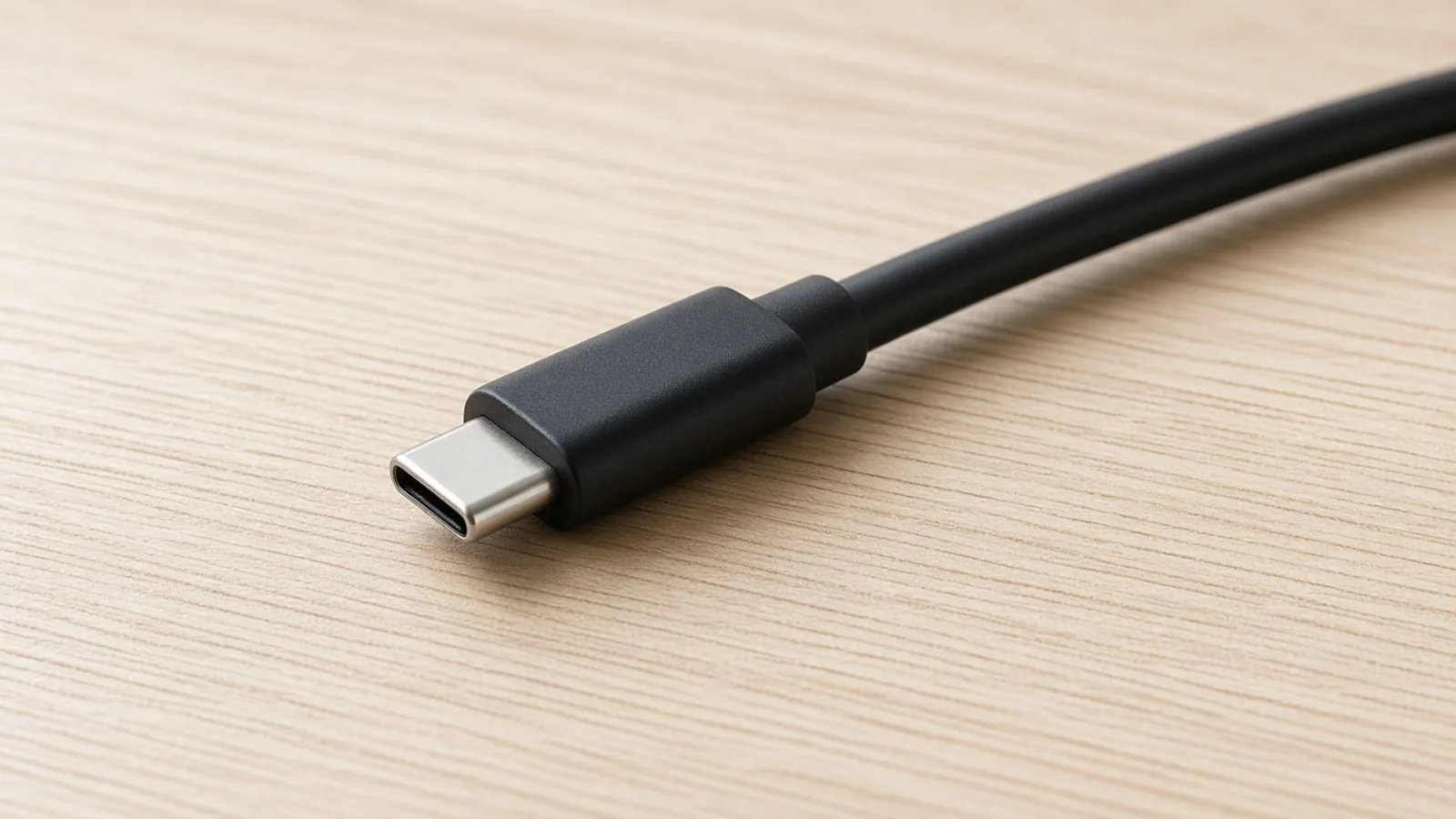
A USB-C plug and a short length of black cable lie on a wood desk.
Step 4 — What else will charge at the same time?#
If the laptop is the only device, Steps 1 to 3 cover it. If a phone, tablet or second laptop shares the power bank, the per-port figures stop being enough.
A110A's UK page gives 300W total output for three devices and says PowerIQ 4.0 allocates power to each port according to what each device needs. The app can also adjust power distribution. The page does not publish the split for a laptop plus a second device, so that cell stays blank in the worksheet. Write the device combination into the RFQ instead of assuming the laptop keeps 140W.
Charging the power bank while it powers the laptop is a separate case. Anker's A110A FAQ says that if the input power is too low, typically below 30W, the output may not meet the minimum needs of high-power devices such as laptops, and charging stops. Anker recommends a charger of at least 100W. If the offer promises pass-through use, name the charger that goes with it.
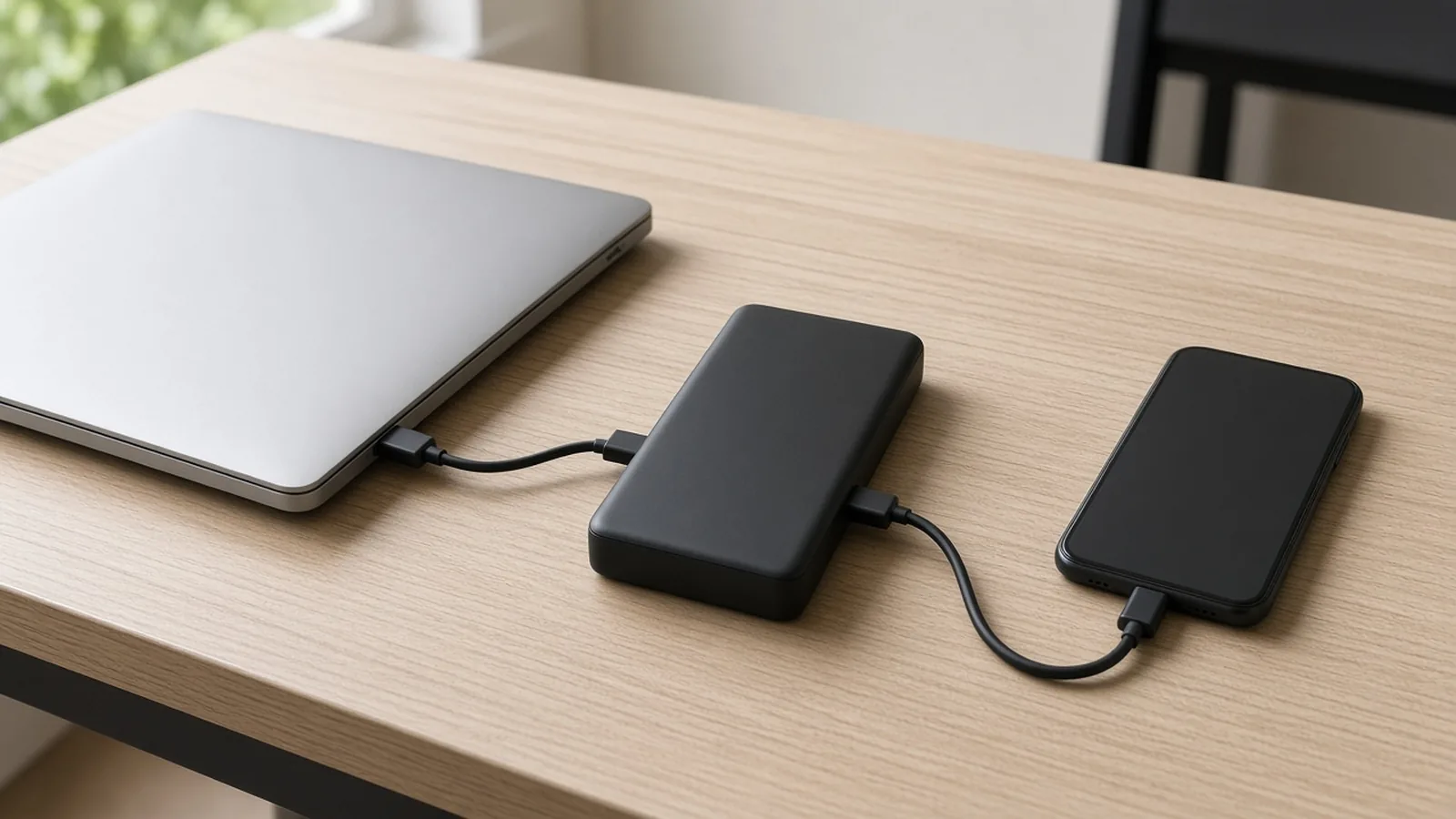
A black power bank on a wood desk is connected by cables to a silver laptop and a black phone.
The laptop match worksheet#
Use one column per laptop model. The A110A column is filled only from the cited pages. Every blank cell is a question to answer before the line is approved.
| Check | Your laptop line | A110A example | Where the answer comes from |
|---|---|---|---|
| Laptop model | Buyer | ||
| Laptop USB-C input, watts | Laptop maker's spec or manual | ||
| Laptop USB-C input, voltage step | Laptop maker's spec or manual | ||
| Above 100W? (needs a PD 3.1 step) | From the two rows above | ||
| Power bank model | A110A | Quotation | |
| USB-C ports on the power bank | 2 × USB-C, 1 × USB-A | Model page | |
| Single-port USB-C output | 140W Max | Manufacturer page | |
| 20V⎓5A step listed | Yes | Manufacturer page | |
| 28V⎓5A step listed | Yes | Manufacturer page | |
| Total output | 300W Max, three devices | Manufacturer page | |
| Cable rating for the laptop step | Cable's own spec | ||
| Cable in the power bank box | Quotation | ||
| Other devices at the same time | Buyer use case | ||
| Port split with those devices | Not published for A110A | ||
| Charger for pass-through use | At least 100W recommended | Manufacturer FAQ | |
| Source region and date | Anker UK, 11 October 2026 | Manufacturer page |
When the laptop's input is known, the A110A column answers the port question. The laptop rows, the cable rating and the shared-load split stay open until someone supplies them.
What this check does not settle#
- Runtime and number of laptop charges. They depend on the laptop's battery and use. This page does not estimate them.
- Air travel and battery transport. Those follow carrier and destination rules, not the port check.
- Other Anker power banks. The A110A figures do not carry over to another capacity or port layout.
- Stock, price and regional version. This site confirms those in a quotation. The power bank RFQ guide covers how to write the full request once the laptop match is settled.
What to send us#
Send the five items below. We read them against the published model facts and tell you which worksheet rows those facts already answer and which stay open. The reply is a port-and-cable reading of your list. It does not test a unit or confirm stock or price.
| Item | Why we need it | Example format |
|---|---|---|
| Laptop model and its USB-C input | Sets the target for Step 1 | Model: ___ / input: ___W at ___V, from the manual |
| Power bank model | Fixes which manufacturer page the reading uses | A110A, or another exact model |
| Cable plan | Step 3 depends on the cable rating | Cable in the box / buyer cable rated ___W |
| Other devices charging at the same time | The port split is not published for A110A | Laptop only / laptop + phone / two laptops |
| Pass-through use | Charging while powering the laptop needs a named charger | Pass-through: yes / no / charger: ___W |
Send the five items on WhatsApp. We reply within 24 hours.
Methods and sources#
Updated October 2026.
This worksheet is compiled from public pages. No unit was tested for this page, and no figure here is a measurement.
- Anker UK product page for Anker Prime Power Bank (26K, 300W), model A110A, retrieved 11 October 2026. Used for capacity, USB-C and USB-A output steps, single-port and total output, input steps, the Anker Protocol input, the charging-base input note, the 5A cable note for input, PowerIQ 4.0 allocation, the compatibility section and the low-input FAQ.
- USB-IF, "USB Charger (USB Power Delivery)", retrieved 11 October 2026. Used for the 100W ceiling before PD 3.1, the 28V, 36V and 48V fixed voltages, and the USB Type-C Release 2.1 cable requirements.
- This site's A110A model page, facts last checked 7 October 2026. Used for the port count.
Laptop input figures are not included because each one has to come from the laptop maker for the exact model. Anker's battery capacity line is not used to estimate laptop charges. Prices and stock on the Anker UK page are checkout copy and are not carried over.
