

Buying a cable by wattage alone can leave a laptop bundle unable to do the job advertised. A 100W cable rating does not establish data speed or video support. For an Anker USB-C cable 100W request, approve charging power, data capability and display capability separately, against the exact model and length.
Anker's US A8758 page provides a clear example: the 10 ft USB-C to USB-C cable lists 100W maximum charging, data transfer up to 480 Mbps and no video output. That is a manufacturer specification example, not a statement that this site supplies A8758. Below is a worksheet for a retailer matching a charger bundle or deciding whether a proposed replacement is acceptable.
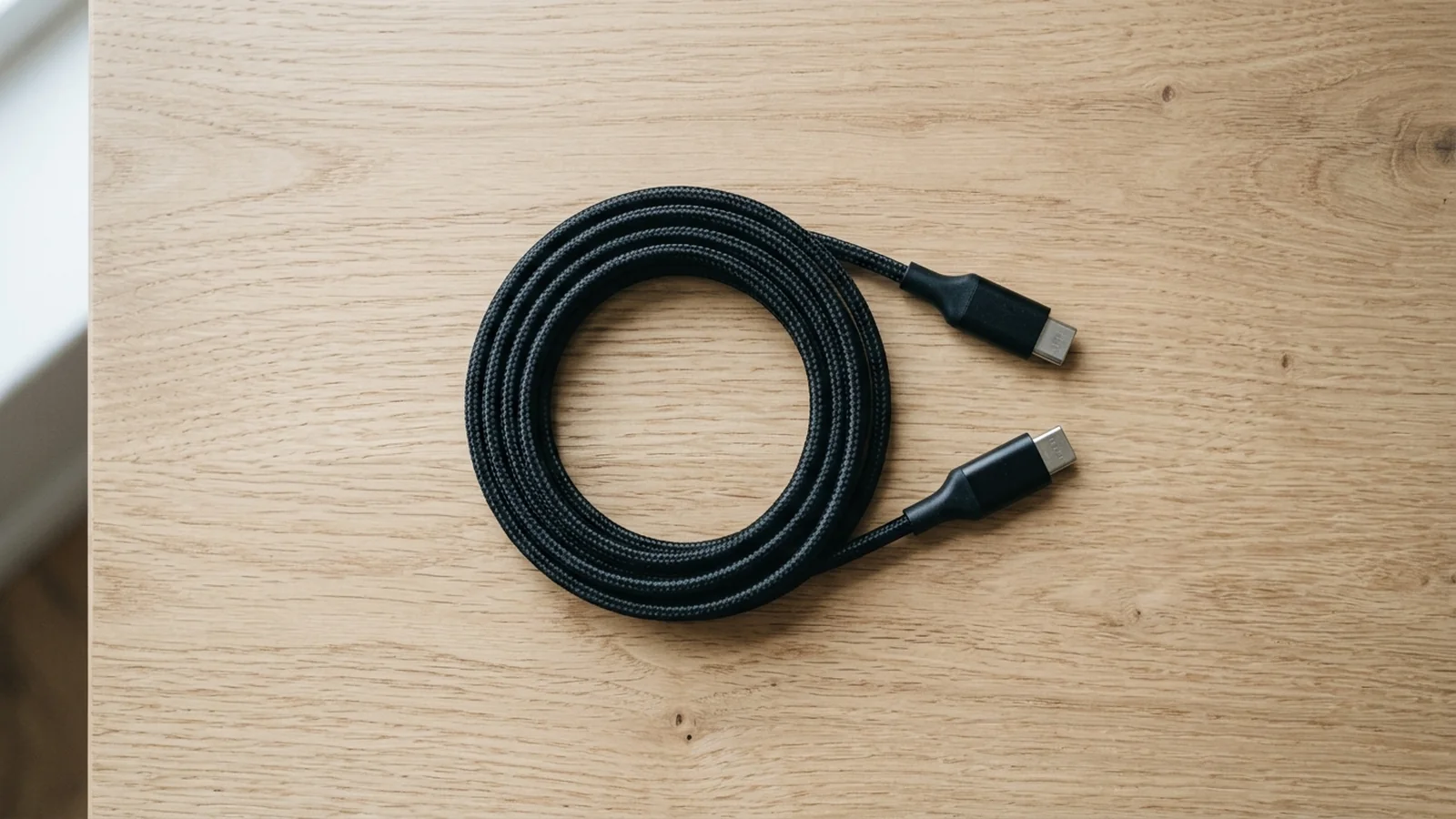
A coiled black braided cable with both USB-C plugs visible on a pale wood desk.
Start with three independent requirements#
Record what the customer will do before selecting the cable. Charging a laptop, transferring files and connecting a display create different approval questions.
| Input or item | Value or source | Why it matters |
|---|---|---|
| Exact cable | A8758; USB-C to USB-C; 10 ft | Keeps the example tied to one published reference |
| Charging requirement | Buyer device input and charger port specification | A cable alone cannot establish the charging rate |
| Cable power ceiling | A8758: 100W maximum | Does not approve a requirement above 100W |
| Data capability | A8758: up to 480 Mbps | Compare with the required data rate independently |
| Video output | A8758: not supported | Exclude this example when the cable must carry display video |
| Length and color | Buyer requirement; confirm proposed variant | A different physical variant needs its own approval |
USB-IF's naming guidance distinguishes the connector from the implemented functions. USB-C does not itself mean USB4, USB 3.2 or USB Power Delivery. A plug photograph therefore helps identify the ends; it does not fill the three capability fields.
Can any USB-C cable carry 100W?#
No. Verify the cable's documented power rating as well as the charger and receiving device. USB-IF explains that the earlier 100W USB PD limit used 20V and a cable rated at 5A. The arithmetic is 20V × 5A = 100W; this describes that power combination, not an observed charging result.
For a charging bundle, record:
- The exact laptop or other device and its documented USB-C charging input.
- The charger model, the intended USB-C port and that port's output under the intended simultaneous load.
- The cable model, length and stated maximum power.
Anker describes e-Marker chips in A8758 as communicating power requirements. That statement does not turn the cable into a video cable or establish USB-IF certification. If certification is part of the purchasing requirement, request documentation for the exact proposed reference separately.
A 100W maximum is a ceiling, not a promise that every connected phone or laptop draws 100W. USB-IF describes Power Delivery as allowing devices to request the power they need. For a power-bank bundle, the laptop compatibility guide shows how to check the laptop input, one power-bank port and the cable together. Keep requirements above 100W open until a suitably rated cable and both endpoint specifications are confirmed.
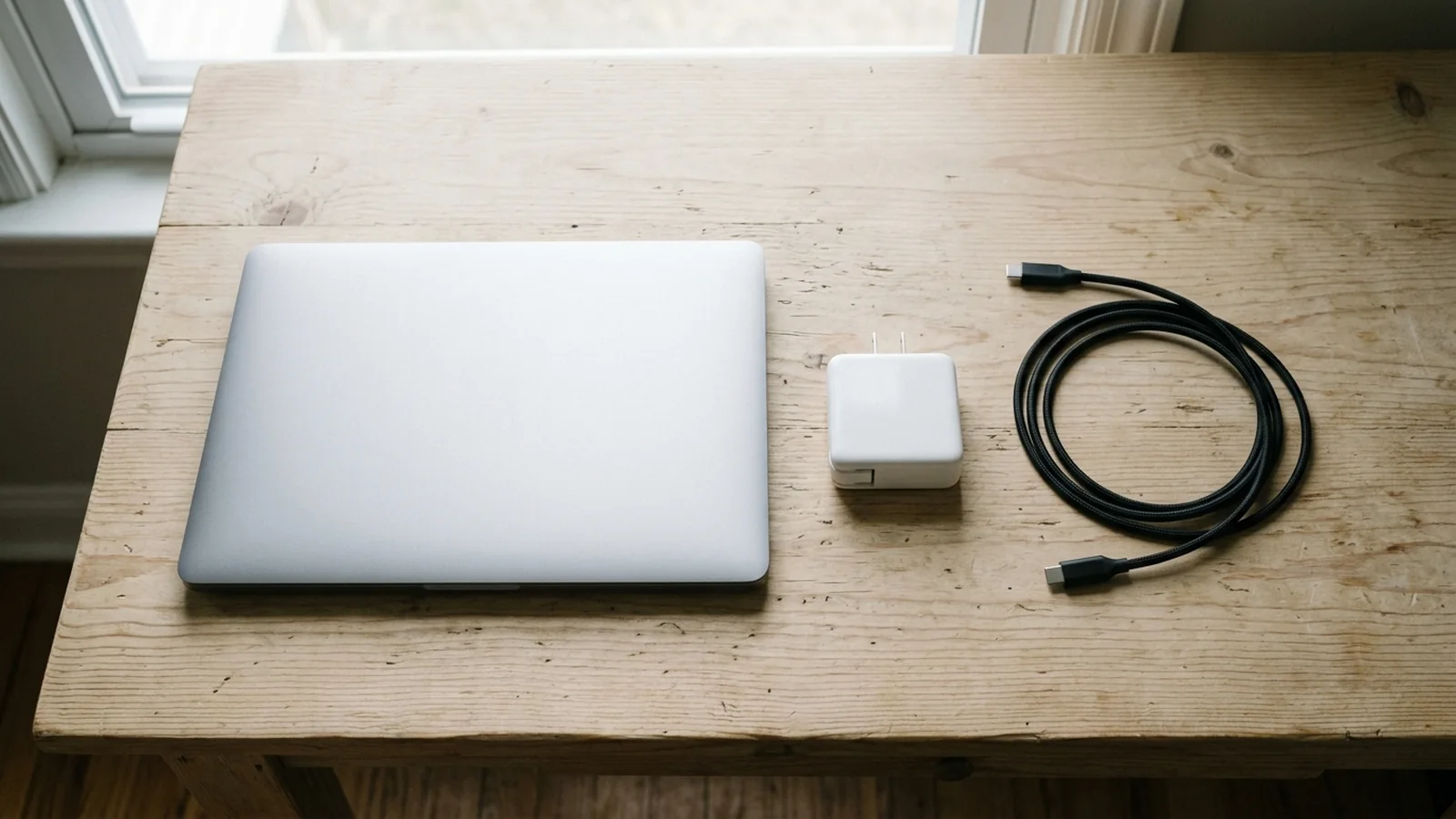
A closed silver laptop, a white wall charger and a loose black cable lie separately on the desk.
Check data and display before accepting a replacement#
For file transfers, write the required data capability independently of the charging requirement. A8758's manufacturer ceiling is up to 480 Mbps; it is not a guaranteed file-copy speed. Do not approve it for a requirement above that published ceiling. Record the computer and storage-device models so their own interfaces can also be checked.
For display use, a positive video specification is necessary. The A8758 page explicitly excludes video output, so this model is unsuitable when the cable must carry a display signal. Confirm the proposed replacement cable's video capability and the laptop, dock or monitor specifications together; equal wattage does not establish equivalence.
USB-IF's USB 2.0 Type-C guidance explains how these distinctions coexist: this cable category can support Power Delivery and USB 2.0 data, while lacking USB 3.2, USB4 and Alt-Mode capabilities. Anker's A8758 no-video note is the model-specific reason for excluding it from a display line. Neither the shape of its plugs nor its charging rating overrides that note.
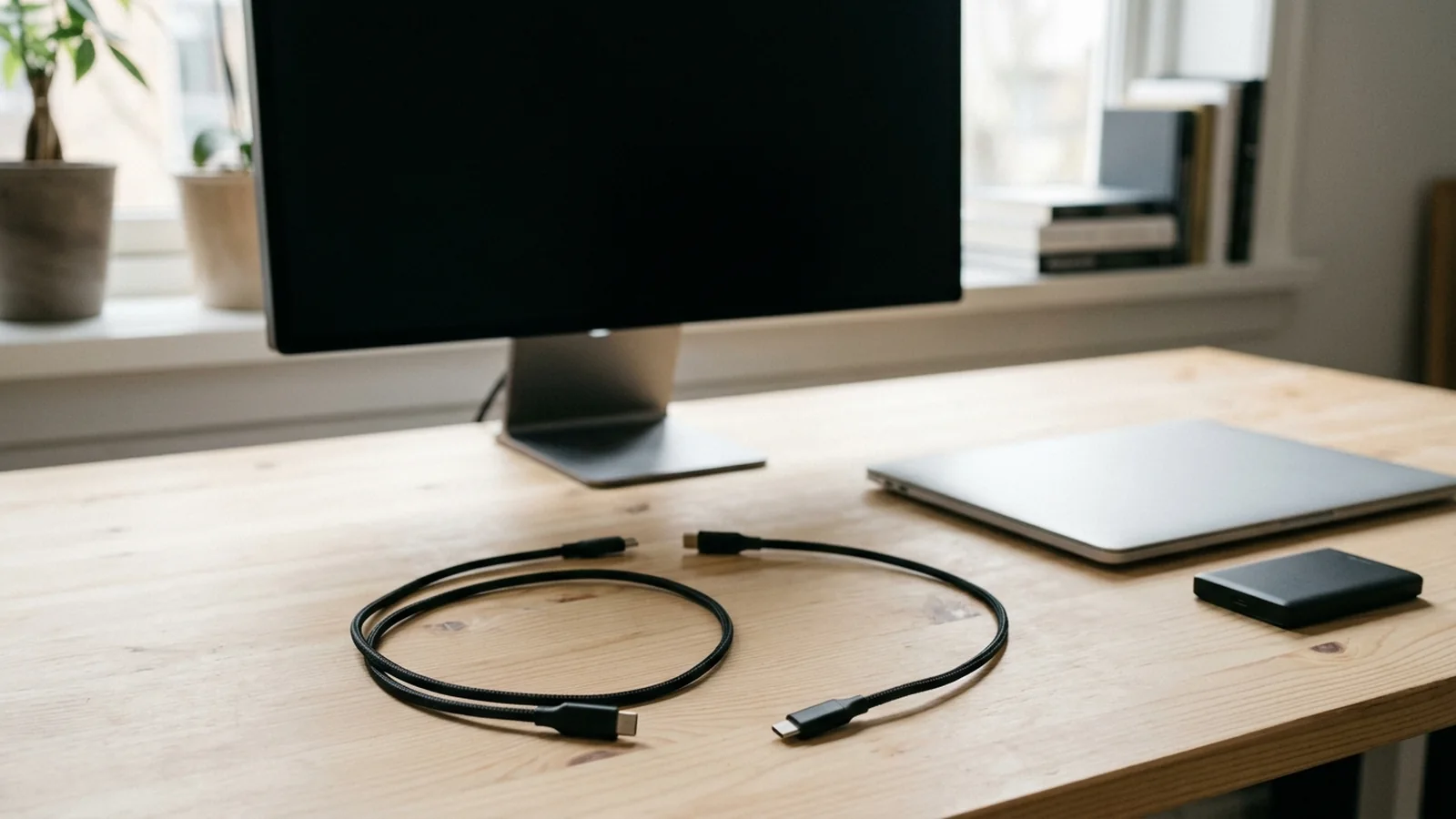
A dark monitor, a closed silver laptop, a portable drive and loose cables share a wood desk.
Copy this cable approval worksheet#
Use one sheet per model, length and color. Fill the requirement column before comparing a proposed substitute. The A8758 column demonstrates how to record published evidence; it is not an approved offer. Blank cells need buyer input or documentation for the proposed unit.
| Field | Your requirement / proposed line | A8758 documented example | Evidence or substitution boundary |
|---|---|---|---|
| Intended use | Charging / file transfer / display; record every required use | ||
| Model and connector ends | A8758; USB-C to USB-C | Exact manufacturer reference; no unnamed equivalent | |
| Charging power | 100W maximum | Serious Power section; match device input and charger port | |
| Data ceiling | Up to 480 Mbps | High-Speed Data Transfer section; reject below buyer requirement | |
| Video | Not supported | Product Note; reject for a display-carrying cable line | |
| Length | 10 ft | Product title and Greater Flexibility section; record permitted change | |
| Color | Black shown as selected variant | Confirm offered color and packaging; no automatic substitution | |
| Charger / device / dock models | Endpoint manufacturer specifications; record simultaneous load | ||
| Market and packaging | Destination market and required retail packaging language | ||
| Quantity | One quantity for each exact model, length and color | ||
| Evidence record | Anker US /products/a8758; 15 October 2026 | Keep URL or document revision plus relevant section | |
| Allowed changes | Write yes/no separately for model, power, data, video, length and color |
For example, a request that needs charging up to the documented 100W ceiling, accepts the listed data capability and needs no video can keep A8758 as a specification candidate while checking the endpoints and physical variant. A request requiring display video excludes it immediately. These are readings of public specifications, not compatibility test results.
The USB-C cable sourcing page covers how to identify the reference, packaging and quantity for an inquiry. This worksheet adds the capability and substitution record; it does not replace a current quotation.
Approve the line before approving substitutions#
Compare every required field with the proposed cable's own documentation. If one required capability is missing, leave the line unapproved rather than interpreting a blank as supported. Keep the accepted reference and source date with the purchase record.
If a sample check is part of acceptance, agree the devices, charger port, simultaneous load and required functions in advance. A charging check answers the charging question. Exercise the required file-transfer or display task separately when either is part of the offer. No sample results are supplied by this article.
For a replacement, repeat the same worksheet. A higher power rating does not resolve a missing data or video specification. Even an allowed color change still needs the actual variant and quantity recorded. Avoid using the A8758 example to infer specifications for A80E6 or any other Anker model.
What to send us#
Use the worksheet fields above for a cable inquiry. Identify anything still unknown so it can remain an open item in the quotation review.
| Item | Why we need it | Example format |
|---|---|---|
| Exact cable and physical variant | Identifies the line to check | Model ___; USB-C to USB-C; length ___; color ___ |
| Use and endpoints | Separates charging, storage and display tasks | Use ___; charger ___; device ___; dock/monitor ___; shared load ___ |
| Required capabilities and evidence gaps | Makes missing documentation explicit | Power ___W; data ___; video yes/no; source URL/document ___ |
| Market, packaging and quantity | Defines the purchasing variant | Market ___; packaging language ___; quantity ___ |
| Allowed substitutions | Keeps proposed changes visible | Model yes/no; length yes/no; color yes/no; required capabilities fixed |
Send these cable requirements for an availability and quotation inquiry, with the proposed reference and any missing documents identified.
Methods and sources#
Updated October 2026. Compiled from public manufacturer and USB-IF documentation retrieved on 15 October 2026. No cable, charger or endpoint was tested for this article.
- Anker US, New Nylon USB-C to USB-C 100W Cable (10 ft), A8758: model, length, selected black variant, maximum charging power, maximum data rate, e-Marker description and the no-video note. These statements apply to this documented reference, not every Anker 100W cable. Retail stock, prices, charging-time and durability claims are not used here.
- USB-IF, USB Charger (USB Power Delivery): the earlier 100W configuration at 20V with 5A cables, and device power requests. This is general protocol context, not product certification evidence.
- USB-IF, USB Type-C language and packaging guidelines, pages 2–3: connector naming, USB 2.0 Type-C data/PD capabilities and exclusions. The document's filename carries a 2023 date; it is used for these definitions, not as a current product catalog.
Order-specific compatibility, regional version, stock and proposed substitute specifications remain subject to the exact documentation and quotation.

